
Best External Drive for Video Editing 4K ProRes Projects
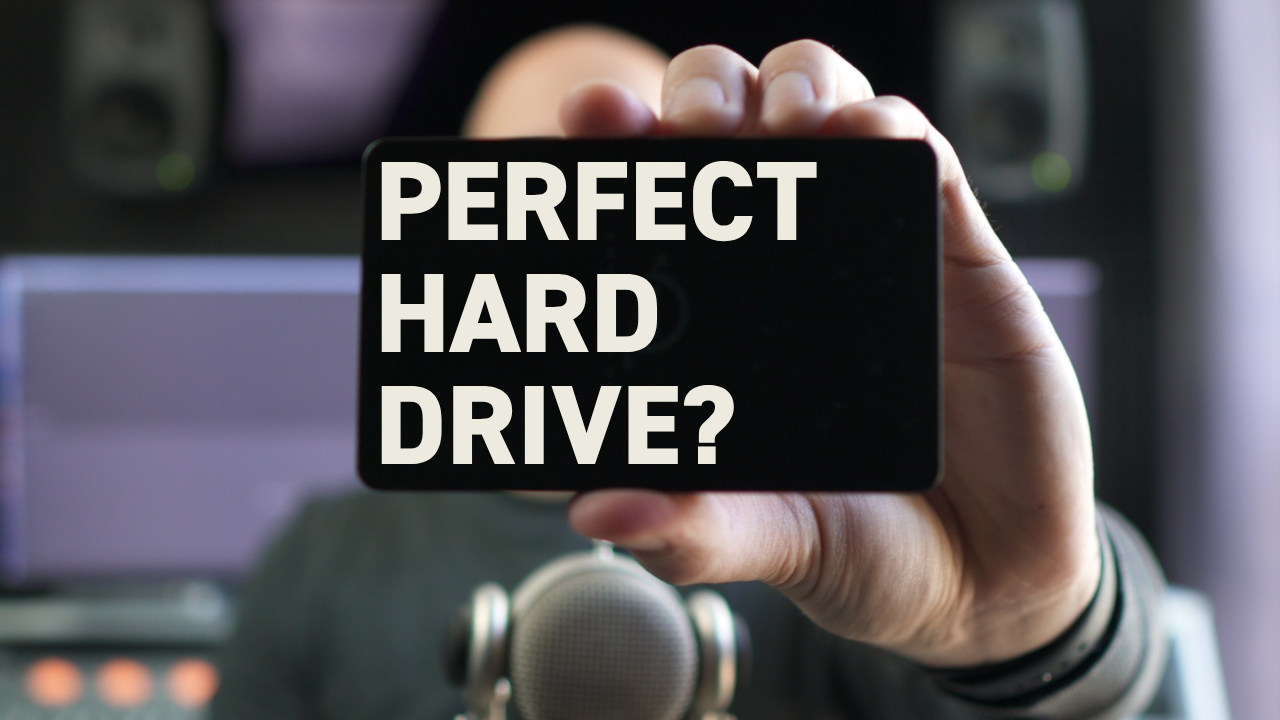
What is the best external drive for 4K video editing?
The OWC Envoy Pro SX is the ideal external drive for professional video editing, especially 4K Apple ProRes workflows. It delivers up to 2,800 MB/s speeds, requires no power cable, runs silently, and handles multiple 4K streams without issues.
The perfect editing drive depends entirely on your workflow. What works for a commercial editor cutting 30-second spots won't necessarily work for someone editing feature films or documentaries.
Context Matters More Than Specs
Before recommending any drive, you need to understand how you'll actually use it. My workflow has some specific requirements that shape what I consider "perfect."
I never keep the only copy of client footage. Clients maintain multiple backups, and I work from copies solely for editing. At project completion, I delete raw media and archive only the final deliverables in a media-managed project.
My specialty is short-form content — mostly broadcast commercials that run 30 seconds. Projects rarely exceed a few terabytes, which keeps storage requirements manageable.
I edit alone most of the time. When working with assistant editors or co-editors, they have their own footage copies. We share project files or use Premiere Pro's team projects feature rather than accessing the same drive.
Speed trumps everything else because I'm typically cutting Arri Alexa or Sony Venice footage — 4K Apple ProRes 4444, sometimes RAW. Those data rates demand serious performance.
Why the OWC Envoy Pro SX Works
The OWC Envoy Pro SX hits every requirement for my workflow. The 4TB version costs $599 at the time of this writing.
It's bus-powered, meaning no power cable. That's huge for a clean workspace and portable editing setups.
The drive runs completely silent — essential for audio work and just maintaining focus during long editing sessions.
The case is small and rugged, perfect for travel between client offices or on-location editing.
Most importantly, it advertises speeds up to 2,800 megabytes per second.
Understanding Data Rates vs Drive Speeds
Here's something that confused me for years: the difference between megabits and megabytes. Camera data rates are listed in megabits per second, while drive speeds use megabytes per second.
There are eight megabits in a megabyte. When 4K Apple ProRes 4444 shows a data rate around 1,000 megabits per second, divide by eight to get 125 megabytes per second. Now you can actually compare it to drive performance.
Real-World Performance
Speed tests on my Mac Studio show read-write speeds that don't quite hit the advertised numbers, but they're still excellent. I can run six, eight, or ten streams of 4K Apple ProRes 4444 in my timeline without any issues.
The drive is blazing fast, silent, rugged, and requires no power cord. The only limitation is the 4TB size cap. When projects exceed that, I need other options.
When You Need More Storage
If you keep large amounts of raw data or need multiple editors accessing the same drive, consider adding a NAS — network attached storage. There are plenty of YouTube videos explaining NAS systems, the best brands, and setup processes.
The Drive I Actually Prefer
The only drive I like more than the OWC Envoy Pro SX is the internal SSD in my Mac Studio. But it's an honorable mention for two reasons.
First, almost anyone can buy the Envoy Pro SX for Mac or PC and incorporate it immediately. To get an Apple internal SSD, you have to buy a new Mac.
Second, upgrading the internal SSD in a new Mac is expensive, though I still recommend it. I maxed out my Mac Studio with the 8TB SSD, and it's almost always my first choice for editing.
Speed tests show the internal SSD is over twice as fast as the Envoy. It would be challenging to max out this drive even with multiple streams of Arri Alexa RAW.
For editors with a workflow similar to mine, the OWC Envoy Pro SX delivers everything you need in an external drive. But remember — your perfect drive depends on your specific context and requirements.
If you found this helpful, grab my free editing guide for more workflow optimization tips.
