
How to find sound effects 10x faster with AI for video editing
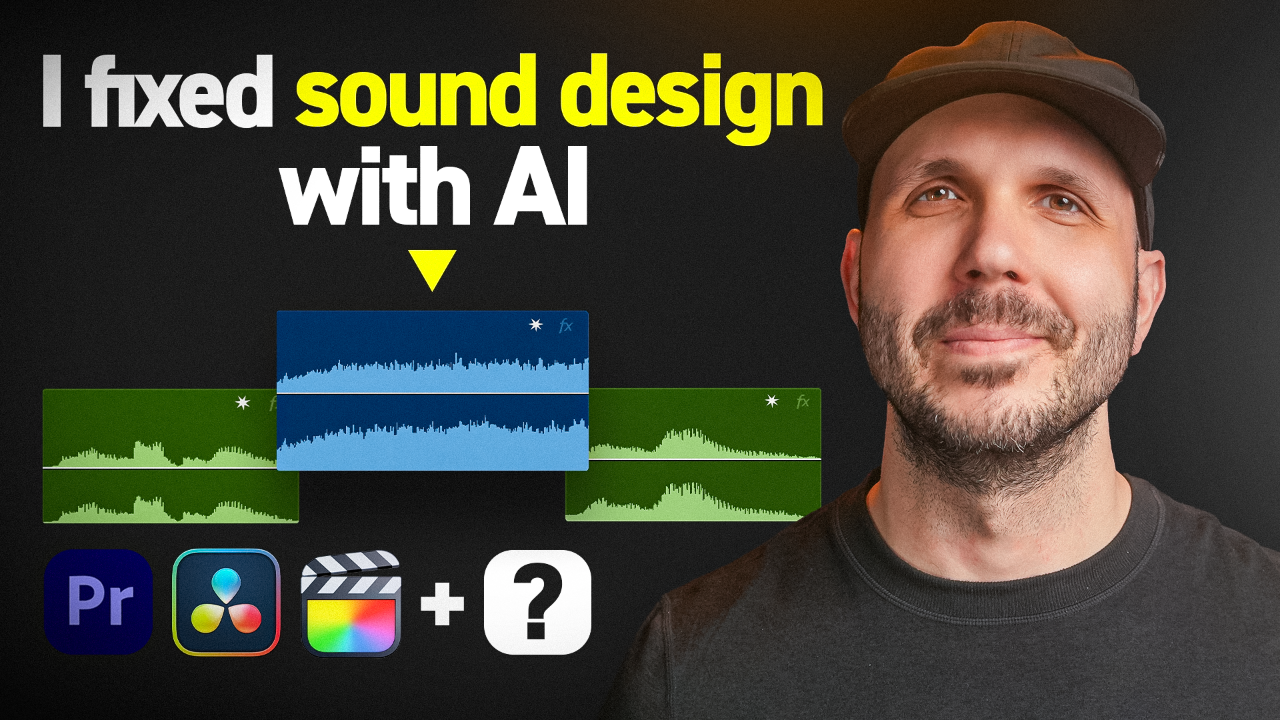
How do you find perfect sound effects faster for video editing?
Use an AI-powered tool that analyzes your footage and generates optimized search terms for your sound library, cutting research time by 90% while improving creative results.
Why manual sound effects searching wastes your time
After 20 years of editing broadcast TV commercials, I hit the same wall every editor faces — spending hours searching for sound effects that don't quite fit. You know the feeling. You're creatively stuck, cycling through dozens of generic ocean sounds or footstep samples that miss the emotional mark your scene needs.
The problem isn't your ears or your taste. It's the process itself. Manual searching forces you to guess what terms might work, then sift through hundreds of results hoping something clicks. Meanwhile, your music is doing the emotional heavy lifting, masking whether your sound design actually works on its own.
That's why I built the Broadcast SFX Finder — an AI tool that analyzes your footage and generates specific, optimized search terms for any sound library.
How AI transforms sound effects workflow
The Broadcast SFX Finder works in four steps that mirror professional sound design workflow:
Step 1: Mute your music track
Music does so much emotional heavy lifting that it tricks you into thinking your sound design is complete. You want your sound effects to stand on their own and hit specific target emotions. Professional video editors approach sound in every shot with this separation in mind.
Upload a screenshot of your scene to the tool. It analyzes the image and asks what environment you're working with.
Step 2: Build your ambience foundation
The AI generates environment-specific search terms optimized for sound libraries like Artlist. Instead of generic "ocean sounds," you get precise terms like "calm ocean shore at sunset" or "distant coastal birds over quiet shoreline."
These aren't random suggestions — they're trained on broadcast-level sound design that creates emotional impact through layered ambience.
Step 3: Clean your dialogue track
For scenes with voiceover, the tool provides specific editing instructions: tighten cuts so pauses feel intentional, remove dead gaps between lines, fill cuts with coastal room tone to maintain natural flow.
Add two-frame crossfades between voiceover cuts to avoid audio pops when cutting straight into waveforms.
Step 4: Add specific movement sounds
This is where your sound design comes alive. The AI suggests Foley categories and specific search terms like "quiet footsteps on sandy shore" or "gentle foot movement on sand."
You're not just adding sounds — you're building emotional moments that draw attention to specific actions in frame.
The search terms that actually work
The real power isn't the AI analysis — it's the optimized search terms that work in professional sound libraries. Instead of searching "wind," you get "soft sea breeze by the coast." Instead of "birds," you search "distant seagulls over coastline."
Sound design for emotion using 5 professional steps becomes possible when you have the right vocabulary to find exactly what each moment needs.
These terms come from 20 years of broadcast experience, where every sound effect serves the story and emotional arc.
Why this saves 10x more time than manual searching
Traditional workflow: Open sound library, guess search terms, scroll through hundreds of results, preview dozens of clips, settle for "good enough" because you're out of time.
AI workflow: Analyze scene, get specific search terms, find targeted results immediately, layer sounds that actually work together.
The tool acts as a creative partner when you're stuck, not just a search engine. It suggests combinations you wouldn't think of and helps you build proper sound layers that enhance emotion without competing with dialogue or music.
When you have your ambience bed, cleaned dialogue, and specific movement sounds working together, you've created professional-level sound design that serves the story.
Get the Broadcast SFX Finder for free and start finding sound effects that actually enhance your emotional storytelling.
The tool won't replace understanding sound design fundamentals, but it will eliminate the creative blocks and time-wasting searches that keep you from executing your vision. When you know what to search for, you can focus on crafting sounds that serve your story.
Edit Like A Broadcast Pro teaches the complete professional workflow for creating emotionally-impactful edits that win serious clients with real budgets.
