
How to sound design a commercial like a professional editor
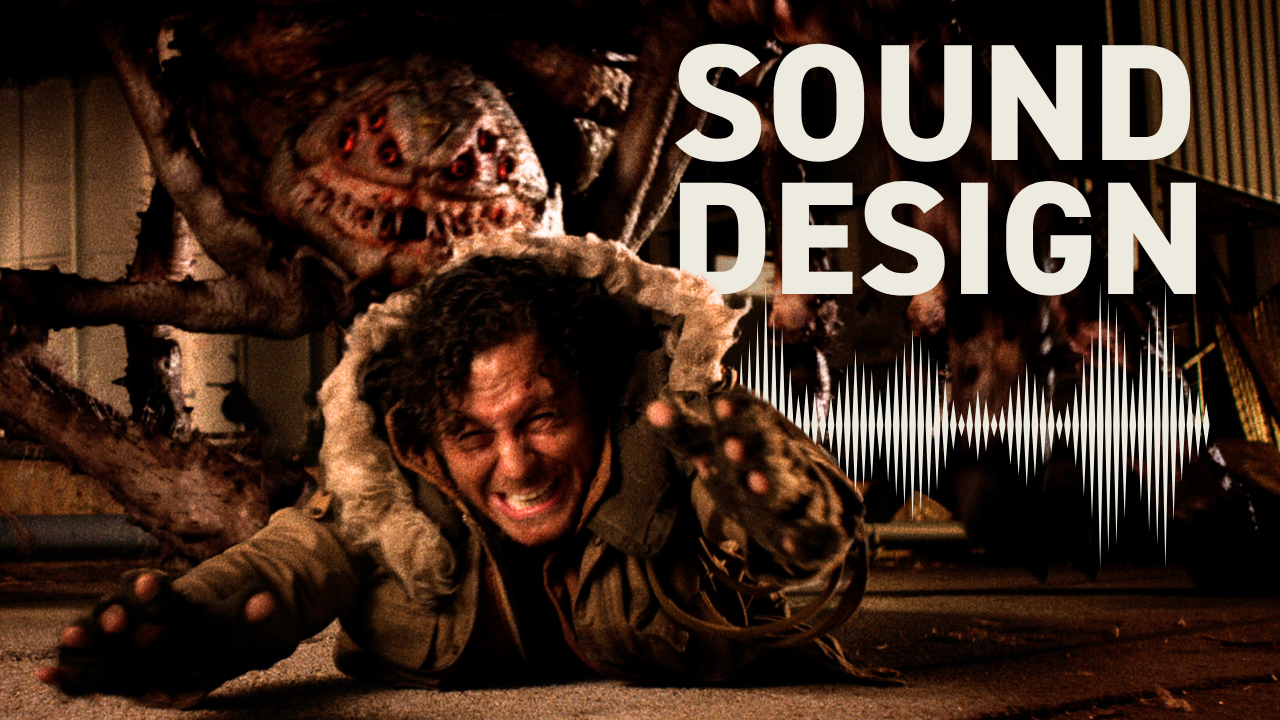
How do you sound design a commercial like a professional video editor?
Professional commercial sound design starts with spending equal time on sound and picture. Work with two versions simultaneously to maintain creative flexibility, begin with background layers like ambiance and fire sounds, then add specific elements like impacts and dialogue in precise sync.
The key is sourcing quality sounds efficiently and building layers systematically rather than trying to perfect each element individually.
If you want to create more impactful edits, here's my advice: spend as much time on sound as you do on picture. I've been a pro editor for over 20 years, and what separates amateur work from professional results often comes down to sound design execution.
Start with two versions for creative flexibility
Instead of trying to create one perfect version, stay a little more loose and create two versions at the same time. This gives us more freedom to experiment, and if you're working with a collaborator, sending two versions to start is a great way to get the creative conversation flowing.
Working on parallel versions means you can test different creative directions without committing to a single approach too early. One version might lean heavier on atmospheric drones while another emphasizes natural ambiance — both serve the story differently.
Set up your workspace for efficient sound sourcing
My layout includes Premiere Pro with a browser window running Artlist open alongside two Finder windows. One shows the downloads folder where everything from the browser automatically downloads, and the other contains my organized SFX folder where I keep media properly filed.
This setup allows me to drag sounds straight from the Finder window to the timeline, maintaining workflow speed while keeping projects organized. The convenience of this direct drag-and-drop process eliminates the friction that slows down creative decisions.
Begin sound design with background layers
I like to start my sound design with backgrounds. For an apocalyptic scene, I'll search for terms like "apocalypse" to find post-apocalyptic ambiance. Sometimes you get lucky with perfect atmospheric sounds that immediately set the tone.
Next, I layer industrial ambiance for mechanical texture, then add specific environmental sounds like bonfire crackling since the light in the scene comes from a big fire. How professional video editors use music structure and timing applies the same layered approach to musical elements.
One creative choice I made was adding a wolf howl at the beginning — sometimes unexpected sounds enhance the atmosphere more than obvious ones.
Source atmospheric music instead of traditional scoring
Instead of conventional music, I search for droning musical ambiance. Artlist's filters and genres include a category called "atmospheres" that provides textural soundscapes. These atmospheric tracks sit between pure sound effects and traditional music, giving you sonic depth without overwhelming the action.
Get the Sound Effects Search Terms Guide to discover proven search terms that help you find exactly what you're hearing in your head — so your edits sound better, faster.
Layer specific action sounds with precision timing
For character-specific sounds, I search for monster roars, layering two different roars to create a unique creature voice. The boy throwing an empty bottle requires clothes noises — the sound of his jacket as he makes the throwing motion. These subtle details sell the reality of the action.
Impact sounds need careful consideration. The bottle breaking on impact requires a specific glass break sound, while the spider falling needs heavy body fall impacts. I often double these up, using two complementary sounds to create a bigger, more convincing impact.
Sync dialogue and organic sounds carefully
The final shot shows a man yawning. Typically, we'd record the actor yawning on set and use that production audio in the final sound design, but without that luxury, finding a stock yawn that syncs convincingly becomes critical. The mouth shapes and timing must match precisely or the illusion breaks.
This represents one of the trickiest aspects of sound design — replacing organic human sounds requires meticulous attention to sync and believability.
Start sound design early in the post process
Here's my tip for you: whenever you're working on something with visual effects or even a motion graphic that hasn't been completed yet, I highly recommend starting your sound design. Not only will the sound help you sell your edit, but the sounds might actually inform the motion graphic animation — or the animation of a giant spider monster in this case.
Starting sound design early means the audio can influence visual choices rather than just supporting them. The rhythm of your impacts might change how an animator times a creature's movements, or the texture of your ambiance might inform the color grading approach.
Professional sound design isn't about finding perfect individual sounds — it's about building layers systematically and maintaining creative flexibility throughout the process. Edit Like A Broadcast Pro teaches this systematic approach to creating emotionally-impactful edits that win serious clients with real budgets.
