
5 Sound Design Techniques for Video Editing: A Batman Begins Breakdown
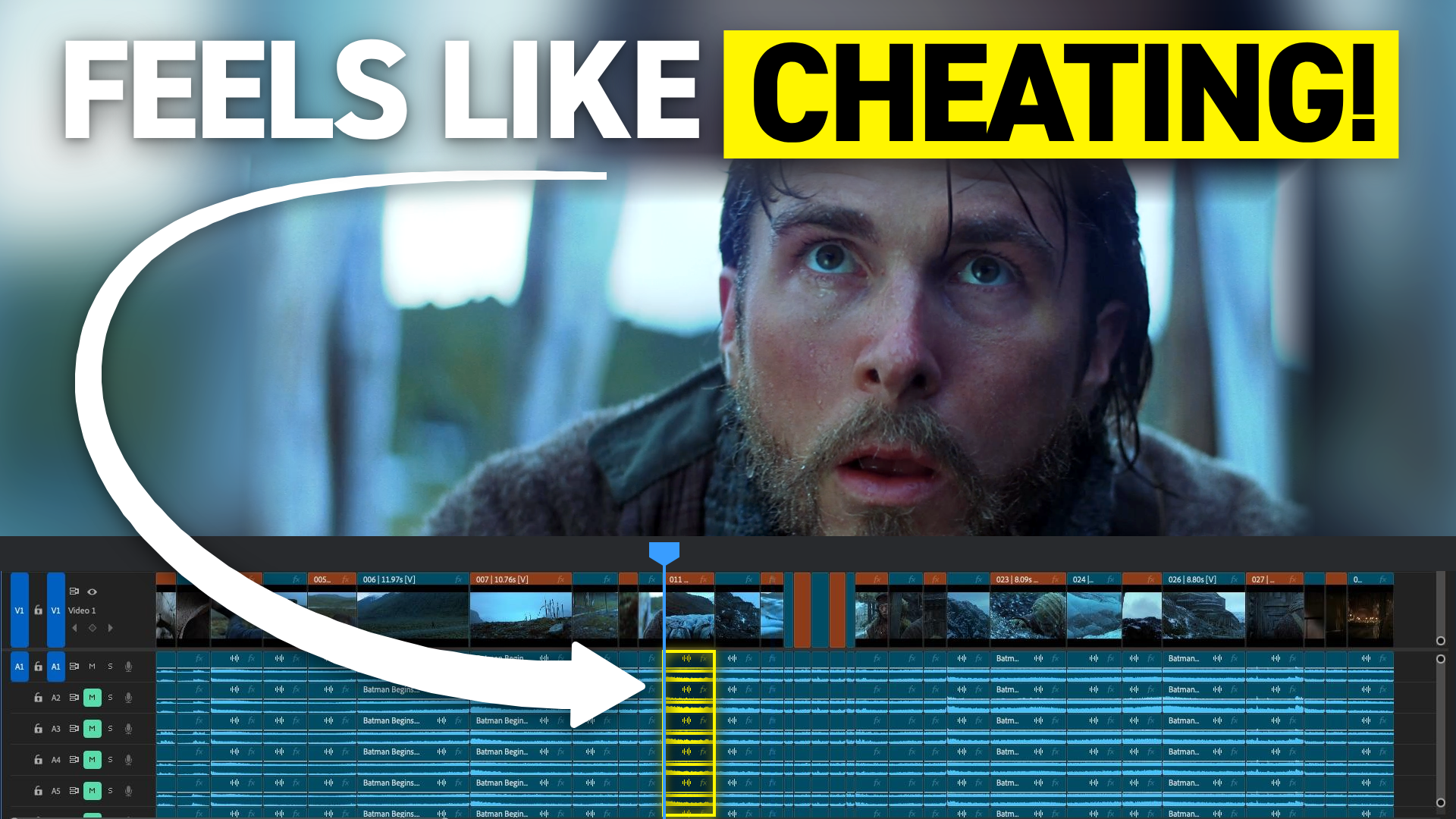
What sound design techniques do professional video editors use?
High-end video editors don't need hundreds of sound design tricks. They use five simple techniques that are so powerful they feel like cheating. They are the smash cut, the sound bridge, music that highlights a key moment, the subjective boom, and a unique sound effect that swells in. I've been an editor and sound designer on broadcast TV commercials for over 20 years. I reach for these on every commercial I cut.
Why five techniques beat a hundred
Being a great editor and sound designer is a lot like being a great boxer.
Imagine two boxers about to get in the ring. One has spent all their time preparing 100 different punches and moves, because they thought they needed those to be ready for any situation. The other only practiced five punches, but practiced them every day, thousands of times a day.
Who do you think is going to win the fight? I think it's the second boxer.
Here's what we can take from this. If we use a few techniques over and over and perfect them, we make edits that stand out, perform better and engage our audience. That beats trying to do hundreds of things, or having a giant sound library and trying to reinvent the wheel every time.
Size up your opponent: pick a target emotion first
There's another thing boxers do before they get in the ring. They size up their opponent.
For us, that means thinking about what we want our audience to feel before we even get into our timeline. That's picking a target emotion. It tells you what you're attacking, so you have the right preparation to hit the emotions you want. I go deeper on this in how to sound design for emotion.
To show you these five techniques, I'm using an incredible scene from Batman Begins, directed by Christopher Nolan and edited by the wonderful Lee Smith. When I watched it, I felt a kind of weightiness, maybe weightiness and determination, based on what Christian Bale's Bruce Wayne is going through. Keep that target emotion in mind and notice how each technique supports it.
These are sounds, so you'll want to hear them. Play the breakdown at the top of the page as you read.
Technique 1: The smash cut (the knockout punch)
A smash cut gets its name from the sound it makes. It usually goes from very quiet to very loud, typically with a contrast in the visuals too.
In this scene, we end on a soft dialogue moment where the soundtrack almost goes to silence, then smash into Christian Bale being thrown out of a moving car, with loud sound effects to match. I think it works awesome here.
A smash cut can be great as an intro to a scene with a lot of contrast. For more ways to move from one scene to the next, here's how professional editors transition between scenes.
Technique 2: The sound bridge (the jab)
This one is the opposite of the smash cut. A sound bridge uses the same sound across two very different shots. Having the same sound connects them and keeps the audience in the flow, even though the visuals are changing drastically.
Here we have a medium shot on Christian Bale, and then we cut to an epic drone shot. Listen to how the soundtrack stays the same through the two shots: the same sound design, the same music coming in, the same sound effects, the same volume.
Technique 3: Let music highlight a key moment (the hook)
This technique is almost more about music than it is about sound design. But music is an extremely important part of the full soundtrack. It's hard for me to even tell if the sound effect here is separate or part of the music, and that's what this technique is about.
You use something musical to highlight something important in frame. It happens when he picks up a flower, which signals to us, the audience, that this is a very important step in the journey.
So use musical sound effects, or the music itself, to highlight your key moments.
If you want help finding the right sounds for moments like these, my free Sound Effects Search Terms Guide is a proven sound design glossary, so you instantly know what to search for and your edits sound better, faster.
Technique 4: The subjective boom
I absolutely love this one. Remember how the sound bridge used the same sound over two very different shots? This is an alternate to that technique, because here you highlight the difference between the two shots.
You do it by adding a subtle, bassy boom sound. It adds to the drama of the shot and takes the epic nature to a whole other level. That's a subjective boom.
One thing you have to keep in mind: you can't add a big boom to any shot. You have to have something epic that motivates it. But when you have that in a scene you're editing, it's a wonderful way to highlight the epic nature of the shot you're cutting.
Technique 5: Add a unique sound effect and swell it in (the combination)
This last one is two techniques in one.
In the first shot, we have Christian Bale in a blizzard environment. Then we cut to a different shot. He's still in the same environment, but the soundtrack changes. This time it's not a hard cut. It's more of a swell, where additional high winds come in that are eerie and raise the stakes a little.
So you add a unique sound effect to the next shot in a sequence, even though both shots are in the same environment. Then, instead of hard cutting it, you fade it in as a swell.
If you're ready to put techniques like these to work on your own edits, Edit Like A Broadcast Pro teaches you how to create emotionally-impactful edits that win serious clients with real budgets.
