
Professional editing workflow for commercials with VFX
How do professional editors handle complex commercial workflows with visual effects?
Professional commercial editing requires a structured workflow that accounts for invisible action and VFX integration. The key is organizing footage strategically, editing audio-first, and preparing materials that give your VFX team maximum flexibility for final delivery.
String out organization sets up everything
After importing raw footage and syncing audio, I organize everything in one long sequence called a string out. I arrange it in story order and use screenshots, labels, and markers so I can navigate quickly using hotkeys to jump between markers.
One crucial tip: organize your takes last to first. As shooting progresses, the director gives direction, the camera operator gets comfortable, and actors settle in — everything improves. The last takes are usually the best takes, so that's where I start.
When prepping your string out, look for usable frames before "action" and after "cut." Every piece of recorded media is fair game for your final edit. Those extra frames might save you later.
Once your string out is complete, watch through it two to three times while taking notes. If you're well organized and familiar with all the raw footage, you're already 70% of the way to a great edit.
Editing invisible action requires audio-first thinking
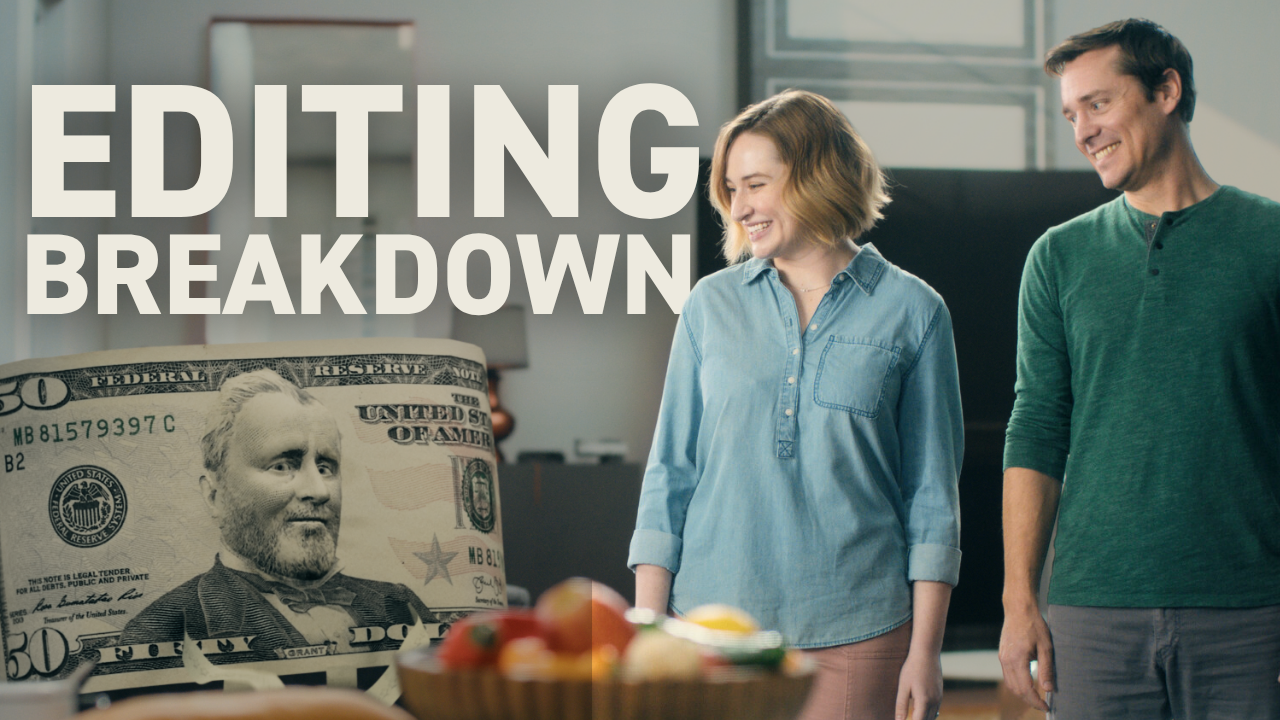
The biggest challenge with VFX-heavy spots is editing invisible action — the visual effects process doesn't start until after picture lock. In this commercial, I was cutting around a 3D animated main character that didn't exist yet.
Get the complete guide on how professional video editors think — including the 5 criteria top editors use to craft emotionally-impactful edits, even when working with invisible elements.
One editing trick that was especially helpful: cut with the visuals turned off, as if you're editing a radio spot. If the pacing and performance of the audio works by itself, you know you're on the right track.
Conversely, I'll edit with audio turned off to check the rhythm, pacing, and in-and-out points of visuals without being influenced by what the audio is doing. If both audio and visuals stand alone, when you combine them you have something solid.
Facial captures bridge the gap to final animation
We brought in a performer to record facial expressions while lip-syncing to the final locked audio. These facial captures let us build out the edit and gave our 3D animator a head start on facial expressions and dialogue.
I used the motion panel and keyframes to move facial captures around, simulating the blocking of the final scene. This helps everyone visualize how the final VFX will look and play out. Don't be afraid to dive into details like this — it pays off in the final product.
Layer separation gives colorists maximum flexibility
Our animator delivered animation in multiple layers — background plates, character elements, and additional components separated. This gives the colorist tremendous flexibility during final color grading.
In earlier cuts, I used a LUT (lookup table) to convert the raw color space into something the human eye is used to. But for final delivery, we moved back into log color space to give colorist Brandon Thomas as much latitude as possible.
Final delivery brings everything together
The final step replaces temp sound design with a proper stereo mix, VFX shots with final color renders, and adds final graphics. The professional video editing workflow transforms from invisible action to a polished commercial ready for broadcast.
Working with an ultra-talented post team — 3D animator Greg Alalu, colorist Brandon Thomas, and re-recording mixer David Beede — demonstrates how professional commercial editing integrates multiple specialists toward one final vision.
This workflow approach works whether you're cutting commercials with complex VFX or simpler dialogue-driven pieces. The principles of organization, audio-first editing, and preparing materials for downstream processes remain constant across professional commercial work.
Ready to master the complete professional editing system? Edit Like A Broadcast Pro teaches you to create emotionally-impactful edits that win serious clients with real budgets.
