
How to sound design commercials like $100K broadcast pros
How do professional editors sound design $100K broadcast commercials?
Professional editors use a 4-step sound design system: build ambience first, edit dialogue with room tone, add specific sound effects, then layer music with emotional intent.
I used to struggle to make my sound design pop until I created a four-step sound design system I now use on broadcast TV commercials with budgets of $100,000 and higher.
But there's a mistake that stops most editors' sound from ever feeling broadcast ready.
The mistake that kills professional sound design
Early in my career, sound design was always an afterthought. Like a lot of young editors, I thought my job was to focus on the picture and sound was something that would be handled by someone else later on.
Then one day, I remember bringing a cut to an early mentor of mine and I thought it was pretty polished. It had a music track. I think the picture cuts were pretty good. I was pretty confident in it, but he watched it and when we got to the end, he simply said, "Hey, let me watch it again, but this time with the music off."
I was a little scared because I knew I had no other sound design beside that music track.
So, I turned the music off. We watched it again and it absolutely fell apart. And my mentor knew it would. He was teaching me that our cuts have to work without a music track.
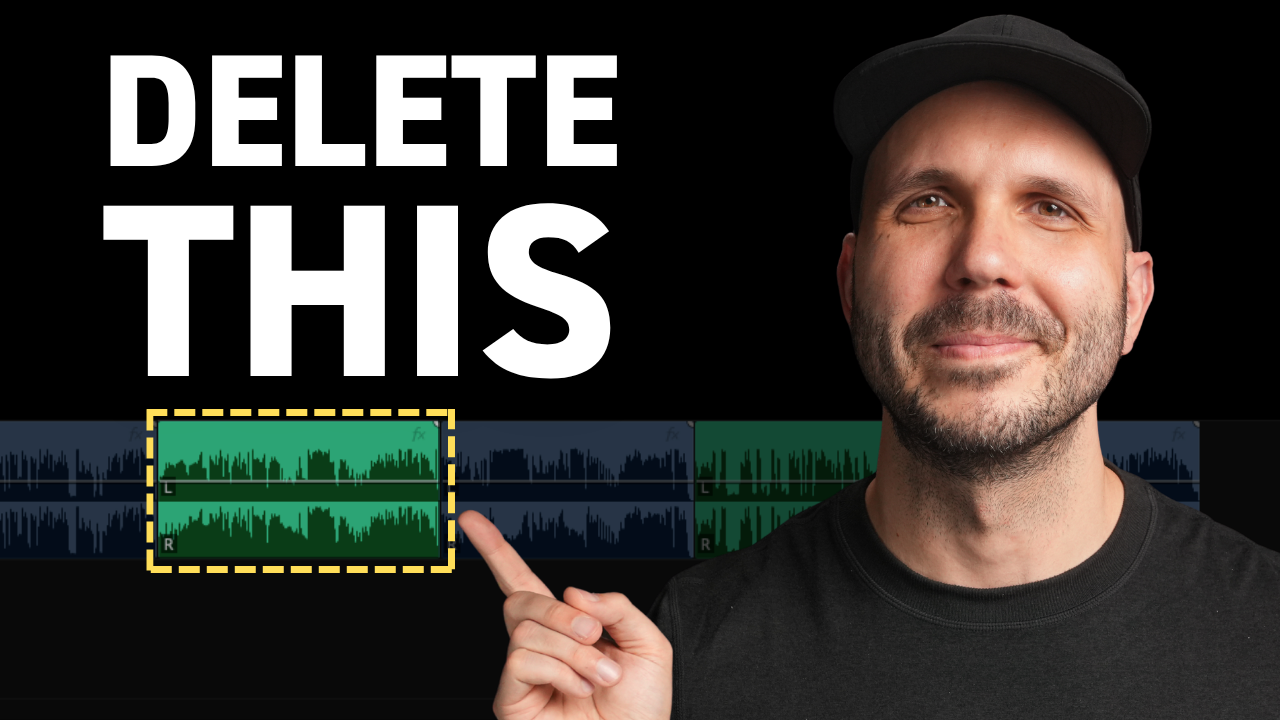
Music can lull us into thinking our sound design is good enough when it's really not. The first thing you have to do in this process is to delete the music in your cut so you can really hear what's missing in your soundtrack.
Step 1: Build your ambience foundation
Once I got serious about sound design, I realized it was at least of equal importance as picture. And the older I get, the more I'm convinced that sound is actually more important than picture.
Years ago, I started asking myself this simple question every time I brought a new shot into my timeline: what is the sound of the shot?
Usually it starts with background ambience. Even if your clip comes with audio attached, it's rarely what you need to make your video come alive. So before I touch anything else, I want my shots to live in a believable soundscape.
For example, here's a spot I edited and the world is a superhero lair. So as soon as I ask, "What's the sound of these shots?" I'm thinking of an interior filled with high-tech hums and maybe beeps.
Step one is to build out your ambience. That's a great first step in bringing your soundtrack to life.
Step 2: Edit dialogue with proper room tone
Once the ambience is in place, I move on to dialogue. And here's why I don't start with dialogue. I like to give my dialogue or voiceover a bit of context of the world it's living in, and by building out that ambience, it really helps with that.
Once I start cutting my dialogue, I'm basically trimming out any unwanted noises between words or phrases. But every time I make a cut, I'm left with a silent gap.
What you want to do is fill those with room tone. Instead of letting your dialogue or voiceover editing fall to silence, use room tone to fill those spaces so the edits aren't noticeable.
Step two is to edit your dialogue and add room tone where necessary.
Professional editors approach dialogue as just one layer in a rich soundscape, not the only audio element. When you edit videos for emotion using professional techniques, sound design becomes as critical as your picture cuts.
Unfortunately, this next step is one that a lot of editors skip.
Step 3: Add specific sound effects to key moments
In step one, we asked the question, "What is the sound of the shot?" to help us build out the background ambience. Now, let's ask that same question to help us find specific sound effects that can bring each moment to life.
I see a superhero's cape that could definitely make a sound like a whoosh sound or a flowing cloth sound. I also notice the main character is walking, so we could have some footsteps. And then here, her hands hit the table pretty hard, so that could also be a sound that we look for.
Each of these sounds on its own may not seem very important, but together they really add up and bring this scene to life.
Step three is to add your specific sound effects to key moments. If you want to save hours searching for sound effects, check out my free sound effects search term guide — it's a proven sound design glossary that tells you exactly what to search for so your edits sound better, faster.
Step 4: Layer music with emotional intent
I had you delete or mute your music at the start so you can make sure your soundtrack was working in a few other areas. Now that we have that sound design built up, we can experiment with music.
The key to finding the perfect music track is always to start with an emotional target in mind. What do you want the audience to feel in this moment?
For this scene, I wanted the audience to feel excitement right out the gate, like they're watching a big Hollywood superhero movie.
If I'd started with this big booming music track, it might have overwhelmed everything else, and I might have gotten lazy and not built out the other sounds that I really think make it all work.
Step four is to add music that evokes your target emotion.
This four-step sound design system is what I use on six-figure commercial projects. The approach — building from ambience up through specific effects before adding music — ensures every layer serves the story and emotion you're trying to create.
Ready to master these techniques on high-end projects with personal feedback? Check out my editing program where you can work through these steps and create emotionally-impactful edits that win serious clients with real budgets.
